
Skip to content

Operations & Developers

Books that start clean

Every bill, payment, and expense is recorded in CleanKaro as you work — giving your accountant clean, complete figures instead of a box of receipts.

  • Sales reports
  • Expense records
  • Itemised invoices
  • Customer ledgers
Week to ThursdayAl Wasl

Sales and expenses for one branch, side by side.

LineCountAmount
Sales186 ordersAED 18,420
Expenses14 entriesAED 4,150
NetAED 14,270
Accounting in CleanKaro

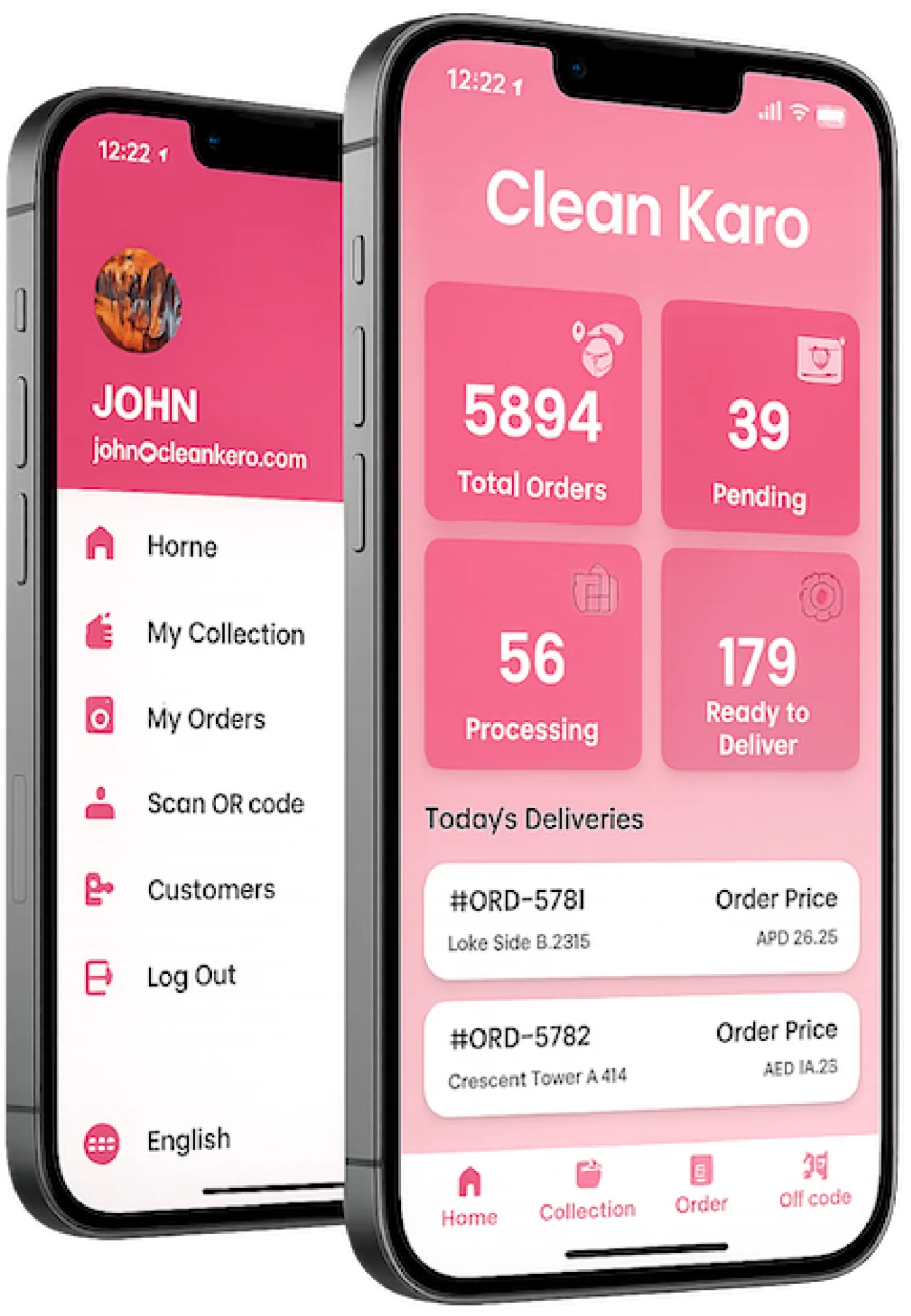
On this screenThe owner's phone: 5894 total orders, 39 pending, 56 processing, and 179 ready to deliver, with Today's Deliveries listed underneath. The menu beside it has My Collection, My Orders, and Customers.

AED 18,420Sales this week
AED 4,150Expenses
AED 14,270Net

The week your accountant receives

Sales arrive with their payment types and taxes, expenses with their category. Nothing is retyped.

Al Wasl · week to Thursday

Sales by payment type

  • CashAED 7,260
  • CardAED 5,890
  • OnlineAED 3,820
  • On accountAED 1,450

Expenses

  • Detergent and suppliesAED 1,840
  • Fuel for the vanAED 960
  • Hangers and coversAED 620
  • RepairsAED 730
Net for the weekAED 14,270
1

Books that start clean

The figures are complete before your accountant sees them.

Because every sale, payment, and expense is recorded as it happens, your numbers are complete and consistent before they ever reach your accountant.

  • Recorded as you work
  • Filter by date and branch
  • Taxes and discounts itemised
  • Payment types broken down
2

Connecting to your accounting software

Ask us how to bring them into the software you use.

If you use accounting software, talk to our team about how to get your CleanKaro figures into it. We'll recommend the best approach for your setup.

  • Ask about your accounting tool
  • Guidance during onboarding
  • Reports ready to share
  • Expense and sales records

What this showsEach of those orders already carries its bill, its payments, and its tax line. The books are the sum of the work, not a second copy of it.

How Accounting works

  1. 1

    Work as normal

    Bills, payments, and expenses are recorded as part of the day.

  2. 2

    Review your reports

    Sales and expenses side by side, by date and branch.

  3. 3

    Share with your accountant

    Hand over complete, consistent figures.

Included with Accounting

Sales reports

Daily, weekly, and monthly sales with payment breakdowns.

Expense records

Record expenses alongside your sales.

Itemised invoices

Clear totals, taxes, and discounts on every bill.

Customer ledgers

Outstanding balances and payment history per customer.

Supply costs

Inventory purchases flow into expense reports.

Branch figures

Filter reports by branch or see the whole business.

Questions about Accounting

Sync sales and invoices with your books. Ask us anything else on a demo call.

Which accounting software do you connect to?

Contact our team with the software you use and we'll confirm the best way to get your figures into it.

Can I track expenses in CleanKaro?

Yes. Record expenses and they appear alongside your sales.

Do invoices show taxes?

Yes. Bills show clear itemised totals, taxes, and discounts.

Can I see figures per branch?

Yes. Filter reports by branch or view all branches together.

See Accounting with your own orders

Sync sales and invoices with your books. Book a demo and we will walk through it on your laundry.

Book a Demo