

Skip to content

By Scale

See every branch without visiting

Run every branch from one account — shared customers, consistent prices, and real-time reports for each location and the whole business together.

  • Real-time updates
  • Shared customer profiles
  • Consistent pricing
  • Branch reports
This week3 branches

Al Wasl, Marina, and JLT on one week: AED 18,420 collected.

BranchOrdersCollected
Al Wasl96AED 9,840
Marina54AED 5,210
JLT36AED 3,370
All branchesAED 18,420
Multi-Branch Software in CleanKaro

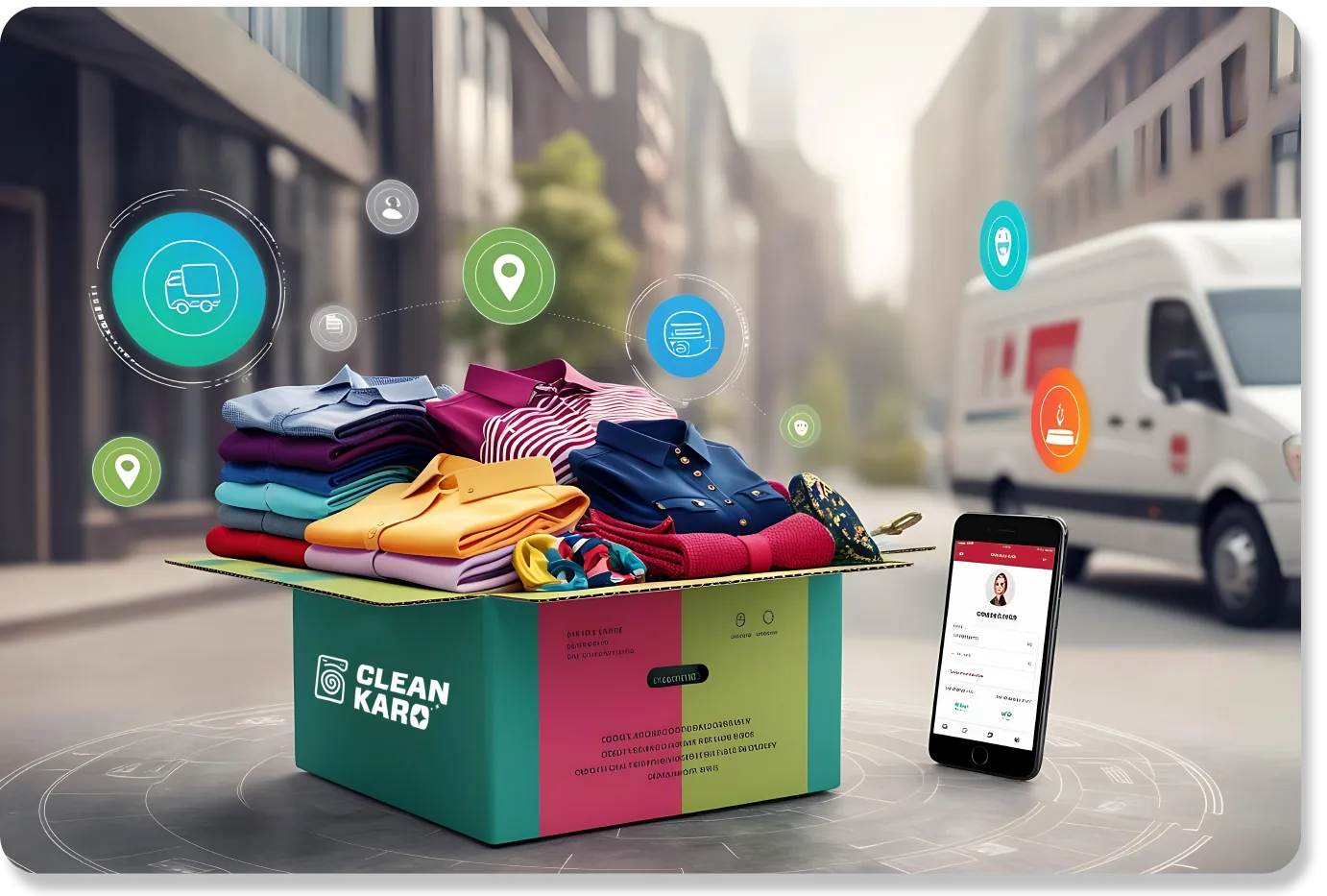
On this screenA CleanKaro box of folded shirts, a van behind it, and a phone open on a customer profile. Pins, a truck, and a bill float over the same order, because the branch, the driver, and the ledger are one job.

3Branches
186Orders
AED 18,420Collected

Three branches, one week

Open one location or the whole business. The price list and customer profiles are shared.

Al Wasl96 orders
AED 9,840
Marina54 orders
AED 5,210
JLT36 orders
AED 3,370
All branches186 ordersAED 18,420
1

See every branch without visiting

Prices, customers, and reports are set once for every branch.

Owners check sales, orders, and performance for every branch from their phone or desktop. Filter to one location or see the whole business at once.

  • All branches on one dashboard
  • Filter reports by branch
  • Staff and driver performance
  • Available on web and mobile
2

One customer, any branch

Open one location, or the whole business, from the same account.

Customer profiles are shared across branches, so the same service, preferences, and balances follow the customer wherever they go.

  • Shared customer history
  • Preferences follow the customer
  • Reassign orders between branches
  • Orders from every channel in one place

What this showsThat box can leave Al Wasl, Marina, or JLT. This week those three branches are 186 orders and AED 18,420 collected. Omar dropped at Marina and can collect at Al Wasl on the same profile.

How Multi-Branch Software works

  1. 1

    Set up your branches

    Add each location with its staff and drivers.

  2. 2

    Share your price list

    Services and prices are set once for the business.

  3. 3

    Compare and grow

    Use branch reports to see what's working and where to focus.

Included with Multi-Branch Software

Real-time updates

Every branch, driver, and staff member in one place, updated as work happens.

Shared customer profiles

Drop off at one branch and collect at another — same profile, same history.

Consistent pricing

Price changes apply across the counter, the customer app, and branches.

Branch reports

Compare branches side by side or drill into one location.

Branch-level stock

Know what supplies each branch has on hand.

Add branches any time

Start with one store and add branches, staff, and drivers as you grow.

Questions about Multi-Branch Software

Sync pricing, teams, and reporting across branches. Ask us anything else on a demo call.

Can I see all branches together?

Yes. View all branches together or filter to a single location.

Are customer profiles shared across branches?

Yes. A customer can drop off at one branch and collect at another, with the same profile and history.

Can branches have different prices?

Talk to our team during onboarding — we'll set up pricing to match how your branches operate.

Can I add branches later?

Yes. Start with one store and add branches, staff, and drivers any time.

See Multi-Branch Software with your own orders

Sync pricing, teams, and reporting across branches. Book a demo and we will walk through it on your laundry.

Book a Demo