Deliveries on the map
See where drivers are and which stops are complete.


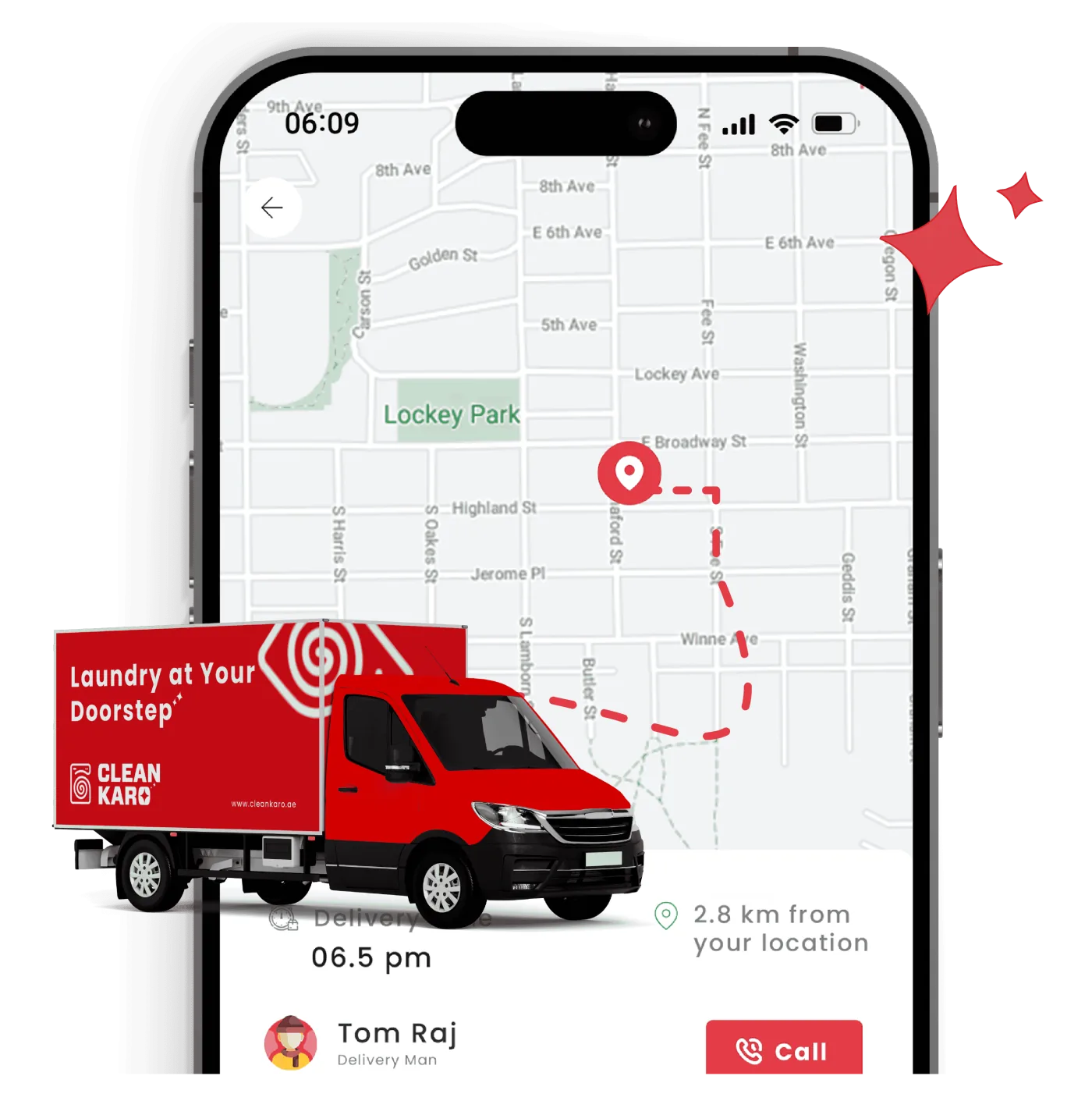
On this screenTom Raj, delivery man, with a pin and a dashed route on the map, 2.8 km from your location. Delivery reads 06.5 pm, the van says Laundry at Your Doorstep, and Call sits beside his name.
Operations & Developers
Follow every delivery on the map, and give drivers one-tap directions to each stop — so pickups and deliveries arrive on time.
See where drivers are and which stops are complete.
Drivers open directions to each address from the Driver App.
Customer addresses stored on their profile for every booking.
Group stops by area and assign them to the right driver.
Tom opens navigation from each stop. The shop sees which doors are done and which one is next.
Every stop opens directions in one tap.
Each stop in the Driver App opens directions straight to the customer's address, with their notes and phone number alongside.
The shop follows the run without phoning the driver.
Follow deliveries on the map and see which stops are complete — without phoning your drivers.
The stop card the driver taps before he sets off.
In the app, or your staff records it on their profile.
Each stop opens navigation in one tap.
Track progress on the map in real time.
See where drivers are and which stops are complete.
Drivers open directions to each address from the Driver App.
Customer addresses stored on their profile for every booking.
Group stops by area and assign them to the right driver.
Drivers call the customer in one tap if they can't find the address.
Orders marked delivered at the door.
Plan pickup and delivery routes. Ask us anything else on a demo call.
Drivers open directions to each stop from the Driver App in one tap.
Yes. Real-time tracking shows where drivers are and which stops are complete.
Yes. Addresses are saved to the customer's profile for future bookings.
Talk to our team about your setup — maps and navigation are part of CleanKaro's pickup and delivery tools.
Plan pickup and delivery routes. Book a demo and we will walk through it on your laundry.