
Most laundries start with a notebook, a spreadsheet, or a generic billing app. That works — until you add a second counter, a delivery driver, or a branch. Then orders go missing, customers call to ask where their clothes are, and nobody is quite sure what was collected yesterday.
Laundry management software fixes this by putting every order, payment, and delivery in one place. But not every system fits every laundry. Here's a practical checklist to work through before you choose.
1. Start with your counter
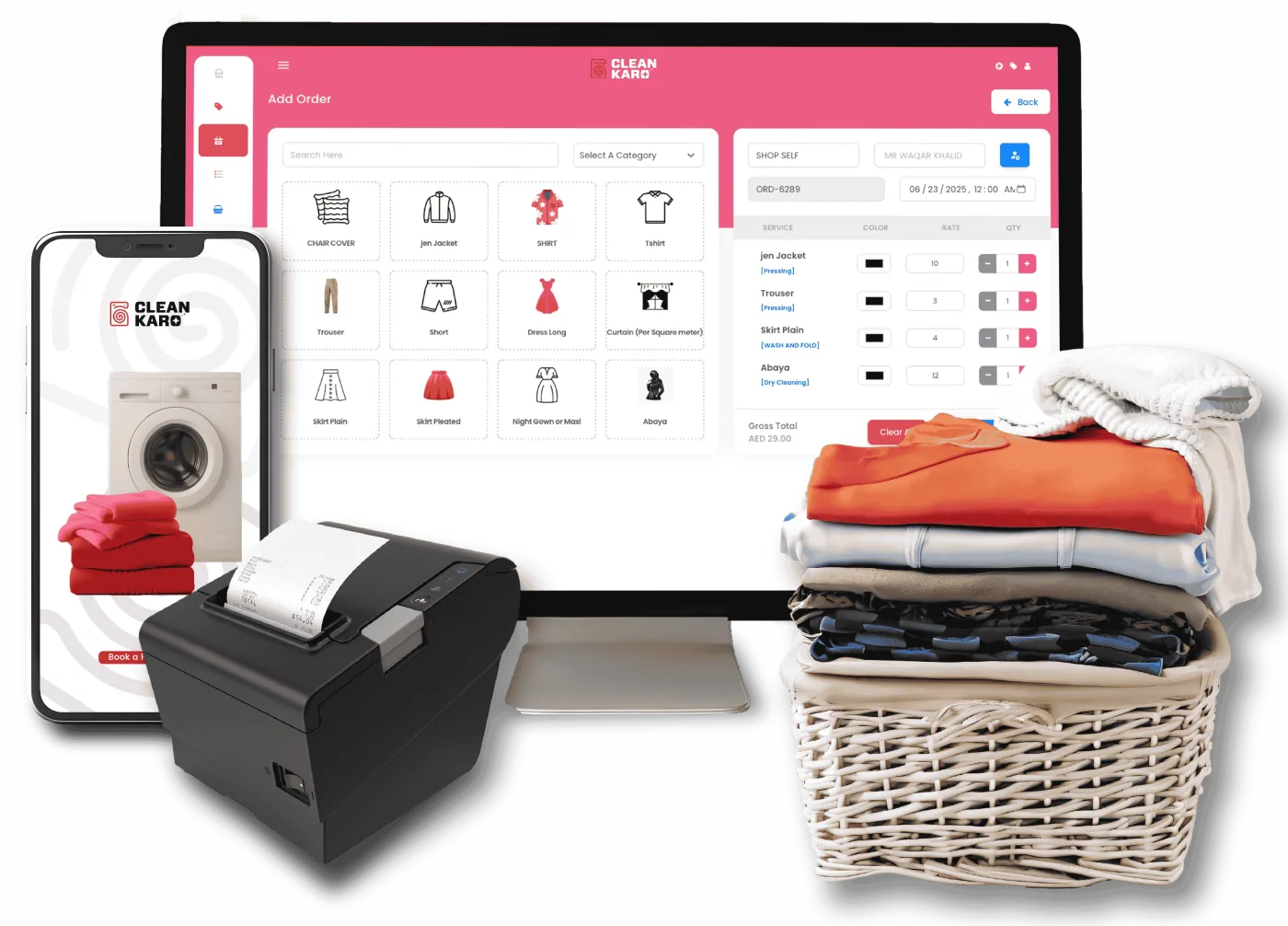
The counter is where most of your orders begin, so billing has to be fast. Ask to see a real order being entered from start to finish.
- Can staff find a returning customer by phone number in seconds?
- Are garments and services organised so they're quick to select?
- Do prices fill in automatically from your price list?
- Can it print bills and garment tags on standard printers?
2. Check how orders are tracked
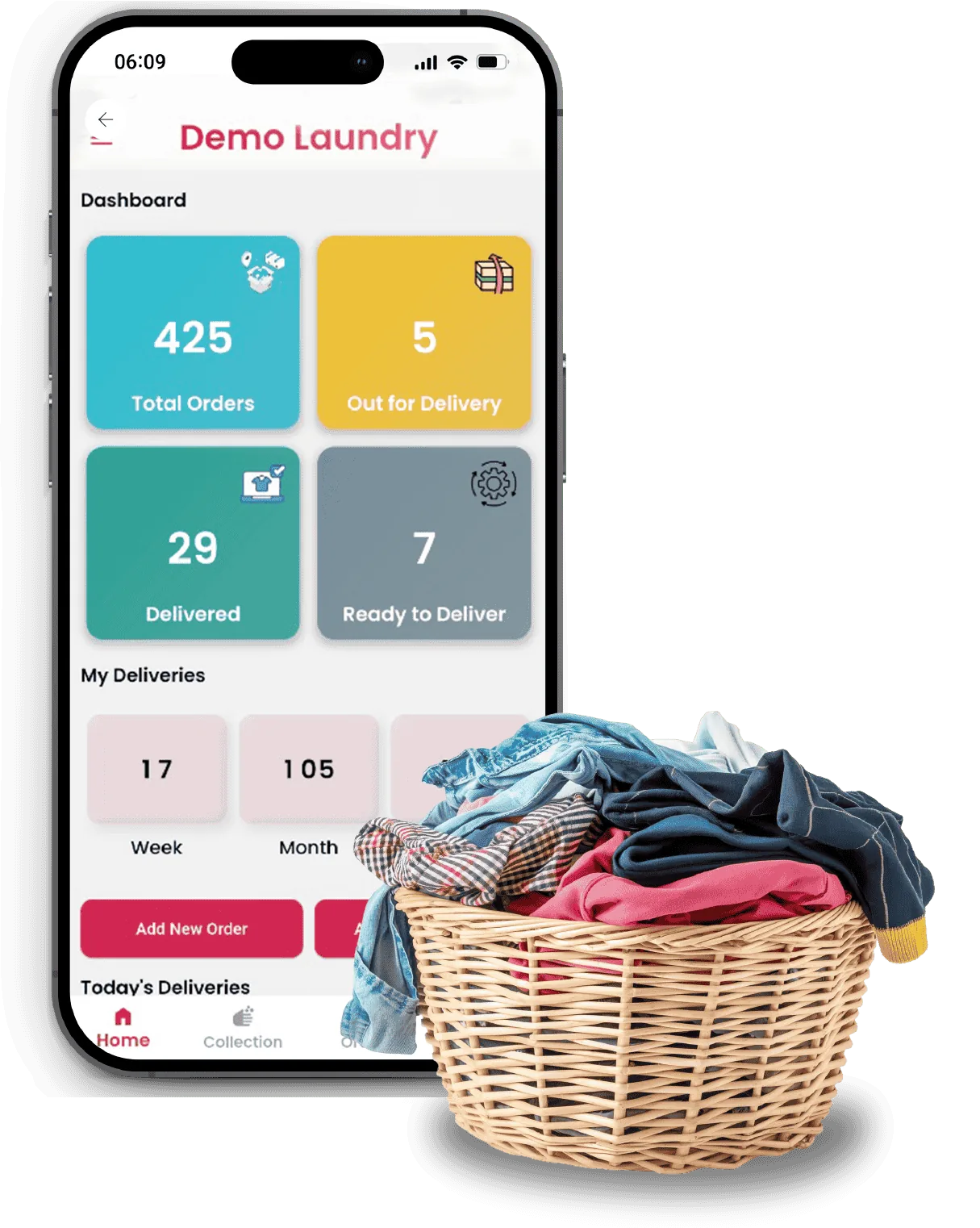
Every order should have a clear status — received, in process, ready, out for delivery, delivered — that anyone on your team can see. If a customer calls, whoever answers should be able to tell them exactly where their order is.
3. Think about pickup and delivery
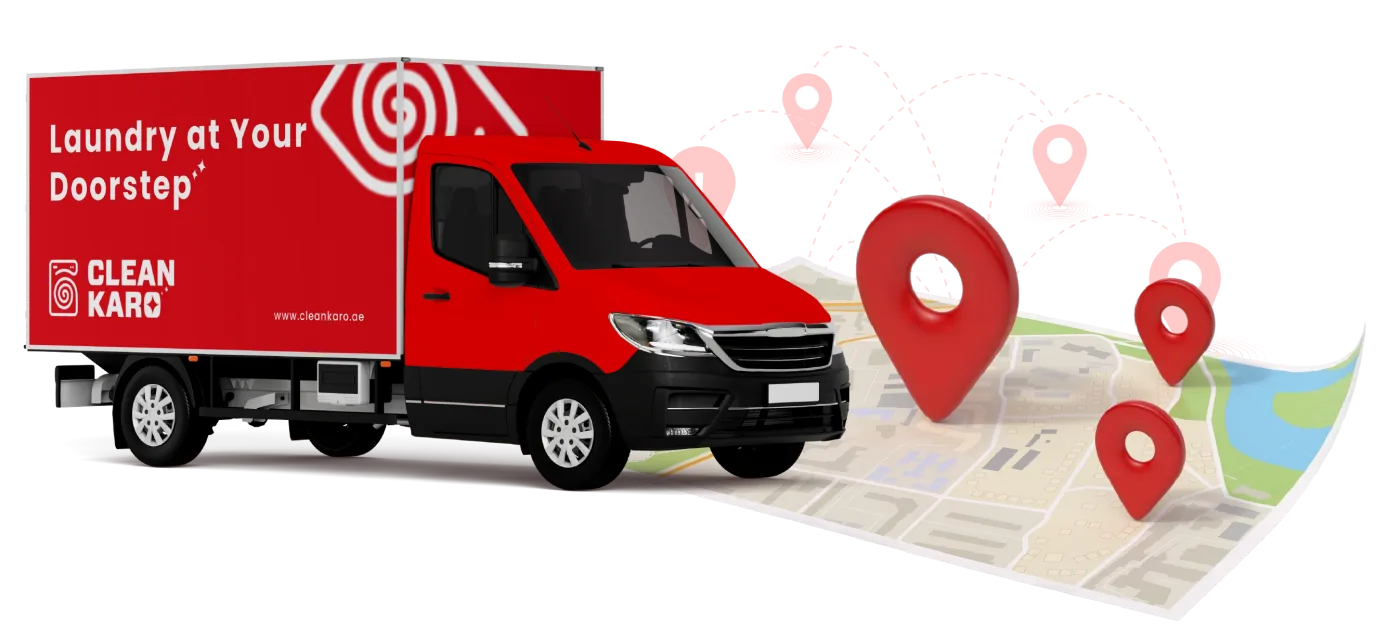
If you collect and deliver, or plan to, your software needs to include your drivers. Look for a driver app that shows each driver their stops, lets them update status on the spot, and records payments collected at the door.
4. Keep customers informed automatically
Many customer calls are simply "is my order ready?". Automatic updates on a channel your customers already use, such as WhatsApp, answer that question before it's asked and free up your staff.
5. Make sure the reports answer real questions
Good reports tell you what you earned today, what's still unpaid, which services sell best, and how each branch is doing. Check that you can see sales and expenses side by side, and filter by date and branch.
6. Plan for growth
Even if you have one store today, choose a system that can add branches, staff, and drivers later without starting over.
7. Understand the full cost
Compare pricing models carefully. Monthly subscriptions add up over the years, so work out the total cost over the time you expect to use the software. Ask what's included — onboarding, updates, and support — and whether there are extra fees.
8. Ask for a demo with your own scenarios
A good demo should follow your day: a walk-in order, a pickup request, a delivery, and the end-of-day report. Bring your real price list and questions. If the software can't handle your normal day in a demo, it won't handle it in your store.
The bottom line
The right laundry software should feel like it was built around your counter, your drivers, and your customers — not the other way round. Work through this checklist, see it in action, and choose the system your team will actually use every day.